YouTube Shorts links not clickable? Where to put your link instead
A shorter URL will not fix a Shorts description. Use a channel profile link or related video, then check where viewers actually land.
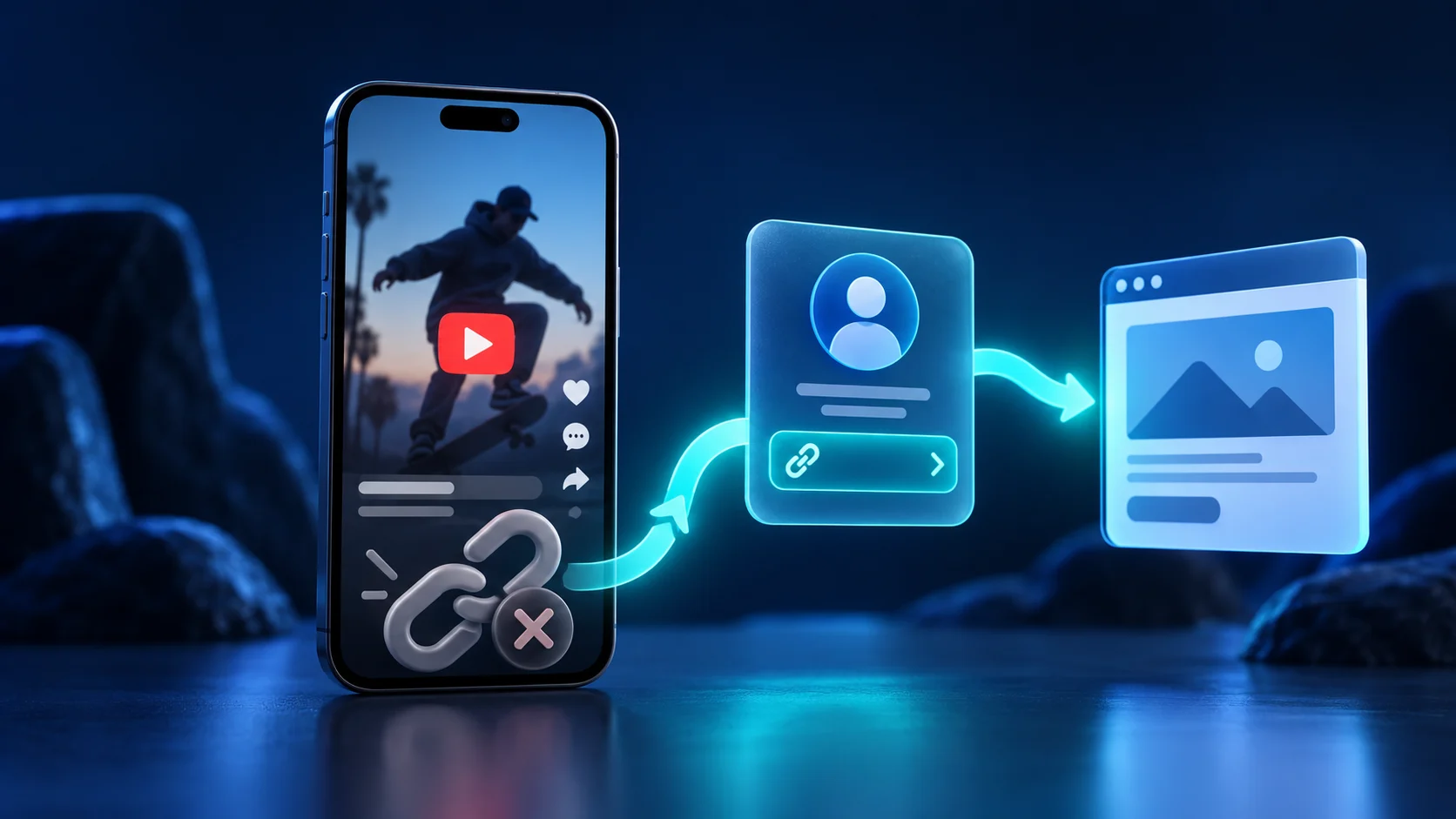
YouTube makes ordinary URLs in Shorts descriptions and comments non-clickable. To send someone to your website, use a clickable channel profile link, or point the Short to a related YouTube video that contains an eligible external link.
You finish a Short, paste the product link into its description, and tell viewers to tap it. Then you open the video on your phone. The address is there, but nothing happens when you touch it.
Before you replace the URL, check where you put it. YouTube deliberately disables ordinary URL clicks in Shorts descriptions and comments. Pinning that comment does not change the rule. The problem can be the placement even when the destination works perfectly.
This guide is about getting someone from a Short to the next useful page. For tracking links across the rest of your channel, see the YouTube link tracking guide.
Which links can a Shorts viewer actually tap?
YouTube lists channel profile links and the related-video link as clickable surfaces. Ordinary URLs in Shorts comments and descriptions are not. External links in long-form descriptions require advanced feature access. These are platform rules, not settings a link shortener can override. Source: YouTube link placement guidance.
| Placement | Best use |
|---|---|
| Channel profile link | A shop, booking page, download, or focused link-in-bio page |
| Related video under the Short | A useful next video on your own channel |
| Eligible long-form description link | The external resource discussed in that longer video |
| Ordinary URL in a Shorts comment or description | Do not use as your tap-based call to action |
For a simple offer, use the channel profile
Choose one destination that fulfils the promise in the Short. A recipe video offering a shopping list should lead to that list, not a home page where the viewer has to search again.
Add the destination to your channel profile links, give it a plain label such as “Get the shopping list,” and publish the change. Then make your spoken and on-screen instruction match the label: “Open my channel and tap Get the shopping list.” Check the current profile controls in YouTube’s channel information guide.
If several offers must share that profile slot, use a focused link-in-bio page. Put the offer from your current video first. Six equally prominent buttons make a viewer decide which one you meant.
For a longer explanation, add a related video
A product comparison, tutorial, or demonstration may need more room than a Short. Open the Short in YouTube Studio, select a related video from your channel, and save. The selected video must be public or unlisted, and the feature requires advanced access. YouTube displays the related-video link below your handle. Source: adding a related video.
Use that extra step only when the longer video helps. Sending someone through an unrelated upload just to expose a link makes an otherwise simple task harder. A viewer who wants a download does not necessarily want a second video.
Make the tracking match the route
Create separate Directinapp links for the channel profile and the longer video description. Give them names you will recognise later, such as “YouTube profile — meal plan” and “Meal prep demo — description.” That separates two placements which would otherwise look identical in your link report.
A shared profile link has a limit: it cannot tell you which individual Short persuaded somebody to visit the profile. Treat those clicks as profile traffic. Do not label them as sales from a specific Short unless you have separate evidence connecting that journey.
If you need campaign labels at the destination, add them before creating the tracked link using the UTM builder. Avoid putting email addresses, phone numbers, or other customer details in those parameters.
Run a viewer test before posting more Shorts
Open the Short in the YouTube mobile app using an account that does not manage the channel. Follow the exact instruction in the video. Count the steps until you reach the promised page, and check that the page works without your saved login.
Repeat on another phone if available. If the link opens the wrong app or a logged-out browser, that is a second problem after the click; use the in-app browser troubleshooting guide.
Finally, check the corresponding Directinapp link report. Your own test may appear as activity, so note the time before you judge campaign results. A click confirms that a route was used. It does not by itself confirm a download, booking, or purchase.
Will a short link make my Shorts description clickable?
No. Shortening changes the address, not the permissions of the place where you paste it. Put the tracked link on a supported clickable surface. The useful improvement is a working next step that matches your video’s promise.
Found this useful? Tell Google to show you more of it.
Add us as a preferred sourceRelated guides
Put this into practice
Create smart short links that open the right app, with analytics built in. No credit card required.
Start free